


Rated 5.0 by 50+ B2B clients


















We design your company structure, sources, and number pools before provisioning anything. Pool sizing is where most implementations quietly break: too few numbers and two visitors share one, which corrupts session-level source data for both. We size against your concurrent traffic, not your monthly total.
DNI installed across your site, landing pages, and page builders, then tested template by template. We place live test calls from a paid click, an organic visit, and a direct visit to confirm each one reports the right source. If your site runs on WordPress, we verify the swap survives caching and lazy-loaded sections.
Qualified calls and form fills sent to Google Ads as conversions so Smart Bidding optimizes toward calls that book, plus GA4 events so calls appear alongside your web conversions in one report. Attribution that never reaches the ad platform cannot improve the ad platform.
Tracked calls, texts, and form submissions logged to the correct contact and deal with source, campaign, and keyword attached as fields you can report on. Sales sees where the lead came from on the record. Marketing sees what each source closed.
Greetings, business-hours rules, and overflow routing on your tracking numbers, plus missed-call alerts to Slack and follow-up automation. A paid lead that rings out gets called back instead of written off.
Recording, transcription, keyword spotting, and automated qualification rules so a booked appointment and a wrong number stop counting the same.
CallRail form tracking added alongside call tracking so web forms, texts, and phone calls report in one attribution model instead of three that disagree. Works with your existing Gravity Forms or Jotform setup.
Source, campaign, and keyword reports built around the decisions you actually make: where to spend, what to pause, which pages earn calls. Scheduled to the people who allocate budget. For warehouse-level reporting we pipe CallRail data out through Coupler.
Marketing learns the attribution reports. Front desk learns call handling and tagging. Admins learn number provisioning. You get written documentation, and we watch the data closely through the first full billing cycle.
A fully configured CallRail account wired to your ad platforms, CRM, and reporting stack where a phone call, a text, and a form fill all carry the same source data.
We configure your CallRail account end to end: companies, sources, tracking number pools, swap targets, call flows, and user permissions then train your team on tagging and the reporting views they’ll use weekly.
We connect CallRail to HubSpot, Salesforce, or Pipedrive so calls, texts, and forms log against the right contact and deal, carrying source, campaign, and keyword as reportable fields. Where a native connector falls short, we build the mapping through the CallRail API.
Call and form conversions wired into Google Ads and GA4, with qualification rules deciding what counts. This is the part that changes your cost per lead, because it changes what the bidding algorithm optimizes toward.
Using the CallRail API, webhooks, and Zapier or Make, we build workflows off call events: missed-call callbacks, CRM task creation, deal-stage updates, and Slack alerts on high-intent calls.
We configure recording, transcription, and keyword spotting, then build the scoring rules and call libraries your team reviews. Recordings show how your staff handles the leads you paid for the cheapest conversion-rate improvement available to most businesses.
New campaigns need new tracking. We provision numbers, extend DNI to new landing pages, re-check attribution coverage after site changes, and adjust reports as your channel mix shifts.
We integrate CallRail with your CRM and ad platforms to turn calls into attributable revenue data, automate follow-up, and show which channels fill the calendar.
Once CallRail is connected to your CRM and ad platforms, a phone call stops being an anonymous event and becomes a record with a source, a campaign, an owner, and a value. Below are the patterns we build most often across HubSpot, Salesforce, Pipedrive, and Zoho CRM environments.
With correctly sized number pools and DNI in place, an inbound call carries the campaign, ad group, and often the search term that produced it. That's how you find out the keyword driving your call volume is not the one taking your budget.
A missed call on a paid number fires an alert to Slack and creates a CRM task with the caller's number and source attached. For a home services company paying real money per click, recovering a handful of these a week pays for the whole implementation.
Separate number pools and sources per location or service area, so a multi-branch operator can see which markets respond to which campaigns instead of one blended average. Common for teams already running Housecall Pro across several territories.
Once calls are scored, your reports divide spend by qualified calls rather than all calls. This usually reorders the channel ranking, and sometimes reverses it.
CallRail form tracking sits alongside call tracking, so a lead who submits a form and a lead who calls appear in the same model with the same source fields instead of two systems each claiming the same conversion.
Joining CallRail data to CRM outcomes lets RevOps report tracked-call-to-customer rate, revenue per source, and true cost per acquisition by channel. That's the report that settles budget arguments.
Call data is only worth what it changes, so we push it into the systems where spend and pipeline are managed. See the full list on our integrations page.

A 5-step timeline with outputs
Output: channel inventory, traffic baseline, current tracking gaps, phone handling review, CRM readiness
Output: number pool spec, DNI plan per template, integration map, qualification rules, report definitions approved by you before anything is built
Output: configured CallRail account, DNI verified sitewide, ad platform + CRM sync live, attribution tested with real calls
Output: live test-call results by source, attribution coverage check, team training, admin handoff documentation
Output: hypercare window, attribution accuracy audit, KPI baseline, refinement backlog
See how businesses moved from counting calls to pricing channels after connecting CallRail to Google Ads, GA4, and their CRM.
Practice Manager
PYIP Bookkeeping

Jon Coley
On Guard Pest

Josh Fox
Bottom Line Savings
If you can’t say which half of your ad spend makes the phone ring, you’re funding the wrong half. In one session we’ll map your call paths and show you exactly what proper attribution would expose.




Our CallRail implementation and CRM integration services help sales, support, and customer success teams across industries, including SaaS, eCommerce, fintech, healthcare, real estate, and professional services connect voice communication with their existing tech stack and operational workflows.
Watch how companies improved call workflows, CRM visibility, and customer response times after implementing CallRail integrations across their sales and support tech stack.
AXIS Consulting was exactly what our organization needed. Their expertise with Asana, Jotform, and Zapier helped us eliminate repetitive tasks and improve collaboration across departments. The entire process was professional, efficient, and tailored to our goals. We continue to benefit from the systems they built for us.


Finding a partner who truly understands business automation is not easy, but AXIS Consulting exceeded our expectations. They integrated HubSpot, Calendly, and Aircall to create a seamless experience for our team and our clients.


AXIS Consulting helped us streamline our sales and operations by connecting Pipedrive, PandaDoc, and Zapier into one efficient workflow. The manual work our team was doing every day is now automated.


Explore expert guides, best practices, and technical insights for marketing, sales, and revenue teams using CallRail to improve call attribution, connect CRM data, measure lead quality, and optimize campaign performance.
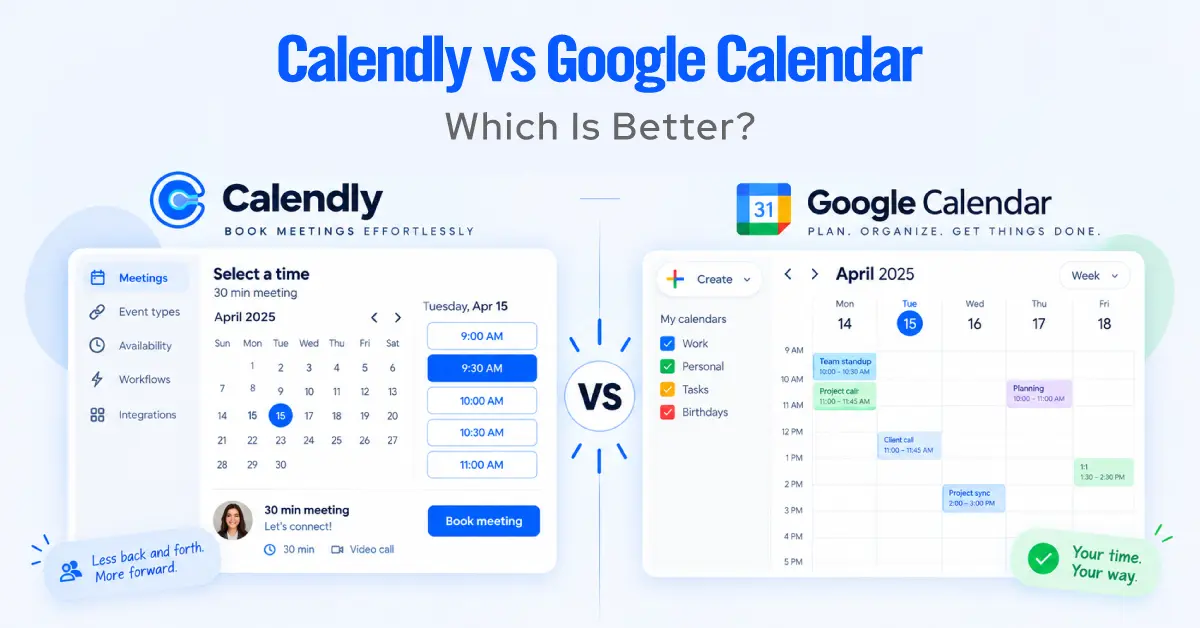
At first glance, Calendly vs Google Calendar looks like an easy comparison. Google Calendar is already on your phone, already
Michelle
Senior Content Writer, CRM & Business Automation
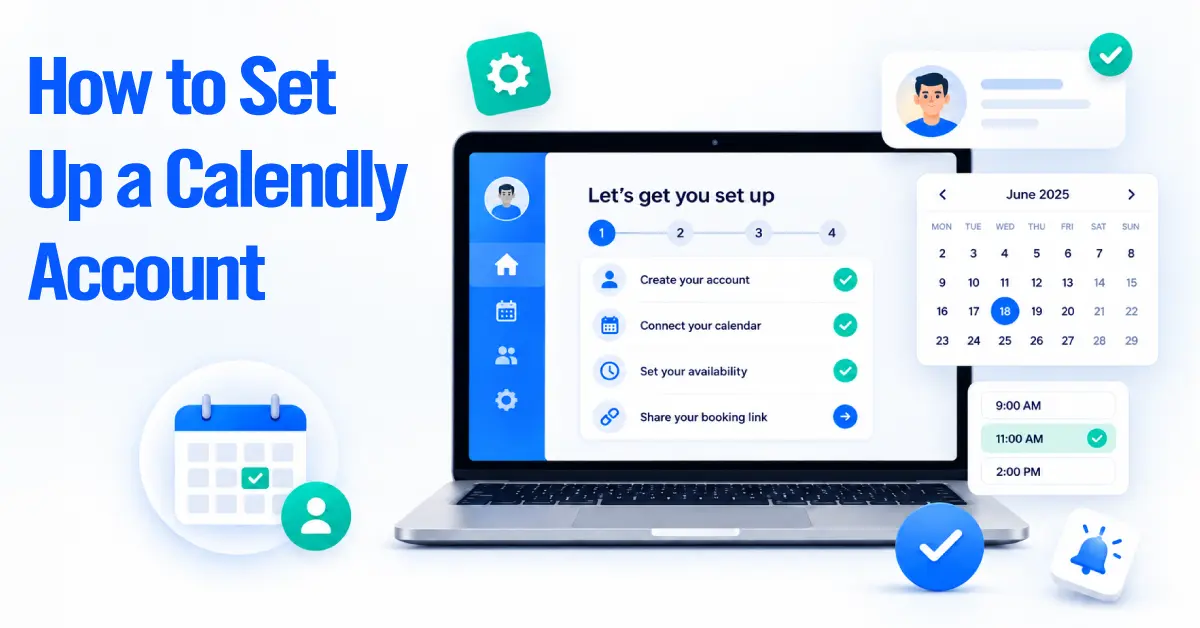
TL;DR Calendly makes scheduling fast to switch on, but a quick setup is not always a good setup. Double bookings,
Michelle
Senior Content Writer, CRM & Business Automation

TL;DR Calendly is easy to recommend when all you need is a booking link and a calendar that stays out
Michelle
Senior Content Writer, CRM & Business Automation

Aircall can do much more than place and receive calls. When you connect Aircall with HubSpot correctly, phone conversations can
Michelle
Senior Content Writer, CRM & Business Automation
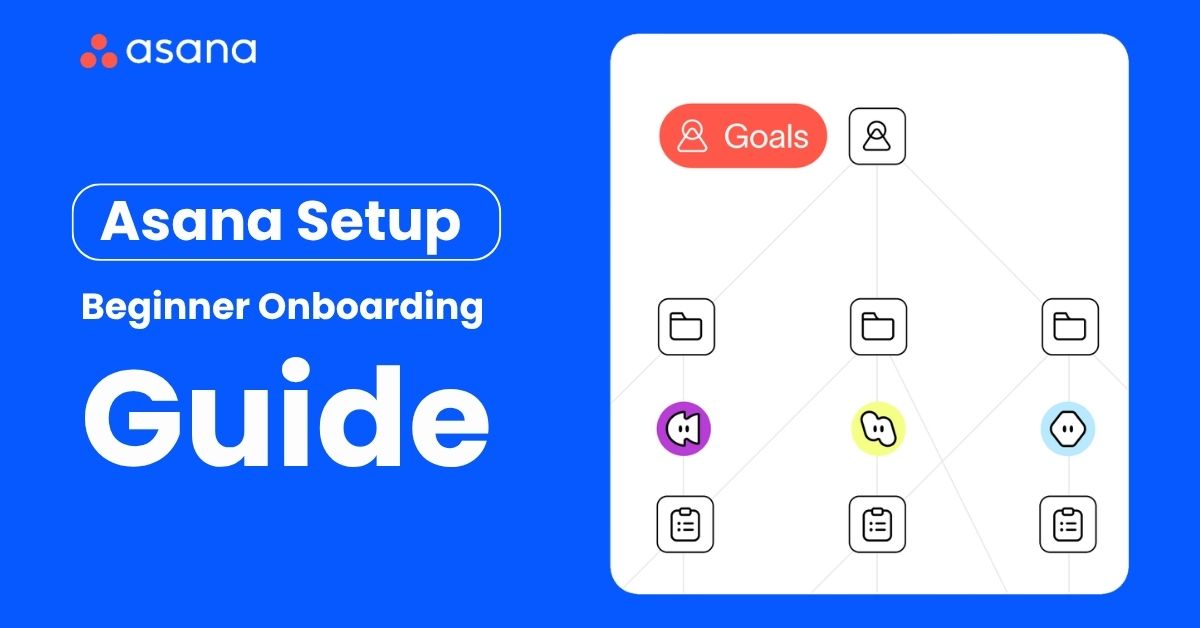
TL;DR If you are new to Asana, this guide works as a practical, step-by-step setup for beginners, and it also
Michelle
Senior Content Writer, CRM & Business Automation

TL;DR You can fully configure a Housecall Pro account and still leave your office doing half the work manually. We
Michelle
Senior Content Writer, CRM & Business Automation
Find answers to common questions about CallRail setup, call tracking, CRM integrations, attribution workflows, automation, and ongoing support to understand how CallRail fits into your marketing, sales, and revenue operations stack.
A consultant designs your number and pool architecture, installs and verifies dynamic number insertion, connects call data to Google Ads, GA4, and your CRM, writes the qualification rules, and builds the reports. CallRail is easy to start and easy to get subtly wrong. The job is making the attribution data trustworthy enough to spend money against.
CallRail assigns phone numbers to your marketing sources. With dynamic number insertion, each website visitor sees a different number from a pool, so when they call, CallRail already knows the source, campaign, landing page, and often the keyword. It records and transcribes the call, then pushes that data to your analytics, ad platform, and CRM.
Most run 1 to 3 weeks, covering DNI verification, ad platform and CRM integration, qualification rules, and training. Multi-location or multi-brand setups take longer, mostly because number architecture and reporting get more complex.
CallRail sells call tracking, conversation intelligence, and form tracking in tiers. The right one depends on whether you need transcription and AI analysis or attribution only, plus your expected number and minute usage. We scope this in discovery so you're not paying for a tier you won't use.
Google Ads, GA4, HubSpot, Salesforce, Pipedrive, Zoho CRM, Slack, WordPress, and several hundred more through Zapier. The Google Ads and CRM integrations carry most of the value; the rest are convenience.
Yes. We rebuild tracking in CallRail, port or replace numbers, preserve historical reporting baselines where the export allows, and re-point your ad platform and CRM integrations. The delicate part is swapping numbers without breaking attribution mid-campaign, which is why we stage it rather than cutting over in one go.
It can if it's configured carelessly. Recording consent law varies by state and some require all-party consent, so we set up recording announcements and retention rules based on where you actually operate, and flag anything your counsel should review. Recording is worth having. It just has to be done properly.
Attribution coverage first what share of inbound calls have a known source. Then cost per qualified call by channel, missed-call rate, and tracked-call-to-customer conversion in the CRM. We set the baseline at launch so the improvement is measured rather than remembered.
It fits when a meaningful share of leads arrive by phone: home and field services, legal, healthcare, financial services, and multi-location operators especially. If nearly all your conversions are web forms, standard analytics may already be enough, and we'll say so on the first call rather than sell you a tool you don't need.
Yes. Most clients keep us on for new campaign tracking, number provisioning, attribution audits after site changes, and report updates. We also document the setup so your marketing team can handle routine changes without us.
Our clients don’t just see improvements; they experience transformation. From reducing manual work by 80% to doubling revenue velocity, the impact is tangible and lasting.
First 12 Months
Per Team / Month
Sales Velocity
Real-time Reporting