Mixmax
by Mixmax
Mixmax is a communications platform that brings professional communication & email into the 21st century.
Say goodbye to data entry – and hello to our newest integration: Pipedrive, a leading CRM for Sales & Success teams. Now you can stay productive in your inbox, while Mixmax automates all of your tedious data entry and admin work in Pipedrive.
Life is too short for dull tasks – automate your day.
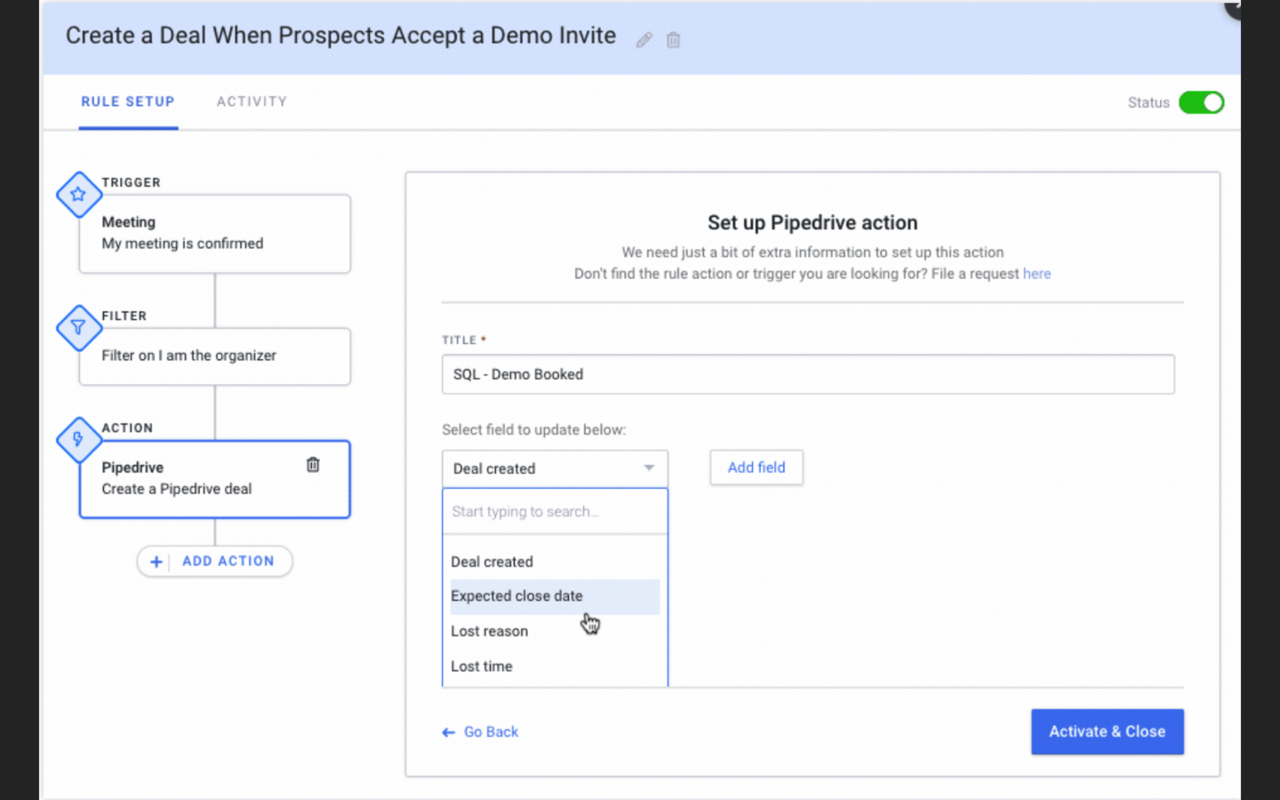
You can now create easy IF/THEN rules in Mixmax that automatically take care of your busy work in Pipedrive like logging notes, adding new contacts, updating deal statuses, or sending updates over Slack or email. For example, after you book a meeting with a prospect, you can have Mixmax:
Create a deal in Pipedrive called “Scheduled Demo – Opportunity”
Update the deal stage to “Prospect Qualified”
Log notes in Mixmax
Update the “Sales-Discussion” Channel in Slack that you booked a meeting.
For more information please check our blog post about this integration.
Setup and installation
You have two options for connecting Mixmax to Pipedrive: Connect directly to Pipedrive using Pipedrive API, or automatically BCC Pipedrive each time you send an email.
For more information on that please visit integration page.