


Rated 5.0 by 50+ B2B clients
















Talkdesk is a serious platform, which is exactly why a half-finished implementation hurts so much: a flat queue, a default greeting, and agents toggling between two tabs all day.
A good Talkdesk build is designed backwards from the customer experience. Routing sends callers to the agent most likely to resolve them first time. Screen pops give agents the full history before they say hello. Every interaction writes itself to the CRM. Supervisors watch dashboards that map to the metrics they’re actually measured on. That’s the difference between owning Talkdesk and using it.
Most Talkdesk problems aren’t licensing problems. They’re flow and integration problems. We build the platform around your coverage model and wire it into the systems agents already live in Salesforce, Zendesk, Pipedrive so calls land in the right place and agents stop doing data entry. Below is exactly what ships.
Numbers, teams, roles, queues, permissions, and business hours designed around how you actually cover the phones, deployed in phases with a tested rollback path. Agents go live on a finished system rather than a work in progress.
Talkdesk Studio is powerful and very easy to tangle. We design IVR trees from your real call drivers the reasons people actually call to get callers to resolution in the fewest steps, and we document every flow so your admins can change them after handover.
Skills-based, attribute-based, and priority routing built around your team structure and SLAs. VIP accounts, escalations, and language routing handled by design rather than by whoever happens to be available.
Screen pops, automatic call logging with recording links and dispositions, click-to-dial, and case pop on inbound. Tested across transfers, conferences, and callbacks. Our Talkdesk Salesforce integration work covers the technical detail; this is the highest-ROI part of most engagements.
Sales teams running calls against pipeline get calls logged to the deal, not just the person see our Talkdesk Pipedrive integration work. For support operations, Zendesk case creation, routing, and write-back mapped to your existing process.
Queue callbacks, voicemail-to-task workflows, and after-hours handling so a missed call becomes a scheduled return call in the CRM instead of an abandoned contact. Priority queue events alert to Slack.
Virtual agent flows, agent assist, and post-call summarization configured against your actual call drivers. AI only pays off when the flows and knowledge sources underneath it are clean, so we do that part first.
Live dashboards and scheduled reports on the metrics your floor runs on: SLA, abandonment, occupancy, handle time, first-contact resolution, quality scores. For warehouse-level reporting we pipe Talkdesk data out through Coupler.
Role-based training agents on handling and after-call workflow, supervisors on live monitoring, admins on Studio and user management recorded for new-hire onboarding. Then ongoing tuning as volumes shift and channels launch.
A documented Talkdesk instance your own admins can run: Studio flows you can read, routing that matches the current team, and dashboards your supervisors staff from.
We provide end-to-end Talkdesk consulting, implementation, and optimization for contact centers. Every engagement starts from the same question: what does the caller experience need to be, and what has to be configured to deliver it at your volume.
Full platform build: numbers, queues, teams, roles, business hours, Studio flows, and reporting, deployed in phases against a written blueprint you approve before anything is configured.
CTI configured and tested for Salesforce, Zendesk, or Pipedrive screen pops, auto-logging, dispositions, recording links, and click-to-dial that survive the edge cases. Where a connector falls short, we extend it through the Talkdesk API.
Flow design from call-driver analysis, not templates. Your IVR reflects why people call you, and every branch is documented so the next admin isn’t reverse-engineering it.
Moving off an on-premise PBX, Five9, Genesys, or a patchwork of tools. We plan number porting, rebuild routing logic in Studio, map historical reporting baselines, and cut over team by team with a rollback plan.
Recording, scorecards, call libraries, and adherence reporting configured so supervisors coach from evidence rather than impressions. Workforce management built alongside it where the edition covers it.
Flow changes, seasonal routing adjustments, new integrations, and a quarterly review against live data. Documented so your admins own routine changes and call us for the structural work.
We connect Talkdesk to the CRM and helpdesk so every interaction becomes structured operational data routed, logged, measured, and tied to a customer record.
Once Talkdesk is properly wired into your CRM, a call stops being a phone event and becomes a record with a customer, an outcome, a duration, and a cost. Below are the patterns we build most often across Salesforce, Zendesk, and Pipedrive environments.
Caller identified before the agent answers, with account, open cases, and recent history on screen. Agents resolve instead of interrogate. Most of the handle-time reduction in a Talkdesk project comes from exactly this.
Routing driven by CRM fields — account tier, open case severity, assigned owner, language, entitlement — so the caller reaches the person who can close it rather than the next free headset.
Inbound calls matched to the open case and popped automatically, with recording link, disposition, and duration written back on hangup. Pairs with how we handle case management in Salesforce and email-to-case volume.
For sales teams, click-to-dial from the deal record with the call, outcome, and next step logged to the pipeline rather than to a floating activity. Where the team runs on Pipedrive, this is the fastest win in the whole build.
Instead of holding customers through a spike, queue callbacks capture the contact and schedule the return. Abandonment drops without adding headcount.
Booking lines with IVR separating new estimates from active jobs, callback overflow for peak, and dispositions flowing into the CRM so marketing knows which campaigns produce booked work. Common alongside Housecall Pro.
Talkdesk’s value multiplies with what it’s connected to. See the wider list on our integrations page.

A 5-step timeline with outputs
Call driver analysis, volume and coverage baseline, team and skills inventory, current routing map, CRM readiness
Written blueprint Studio flow diagrams, routing rules, CTI mapping, dashboard definitions approved by you before anything is built
Configured platform, Studio flows live, CRM and helpdesk connected, tested against real call scenarios including transfers, callbacks, and failure modes
Role-based training for agents, supervisors, and admins, recorded sessions, and admin runbook documentation
Hypercare window, routing and staffing assumptions tuned against live data, KPI baseline set, quarterly review cadence agreed
See how support and sales operations changed their handle times, abandonment, and first-contact resolution after a properly built Talkdesk deployment.
Practice Manager
PYIP Bookkeeping

Jon Coley
On Guard Pest

Josh Fox
Bottom Line Savings
Long queues and repeated questions cost you the customers who never complain — they just stop calling. In one session we’ll find where your caller experience breaks and what fixing it is worth.


Our Talkdesk work supports operations where the phone is the front door regulated financial services conversations, client service desks with SLAs, and high-volume booking and dispatch lines.
AXIS Consulting was exactly what our organization needed. Their expertise with Asana, Jotform, and Zapier helped us eliminate repetitive tasks and improve collaboration across departments. The entire process was professional, efficient, and tailored to our goals. We continue to benefit from the systems they built for us.


Finding a partner who truly understands business automation is not easy, but AXIS Consulting exceeded our expectations. They integrated HubSpot, Calendly, and Aircall to create a seamless experience for our team and our clients.


AXIS Consulting helped us streamline our sales and operations by connecting Pipedrive, PandaDoc, and Zapier into one efficient workflow. The manual work our team was doing every day is now automated.


Explore expert guides, best practices, and technical insights for contact center, sales, and support teams using Talkdesk to improve call routing, streamline workflows, integrate CRM data, strengthen reporting, and boost agent performance.
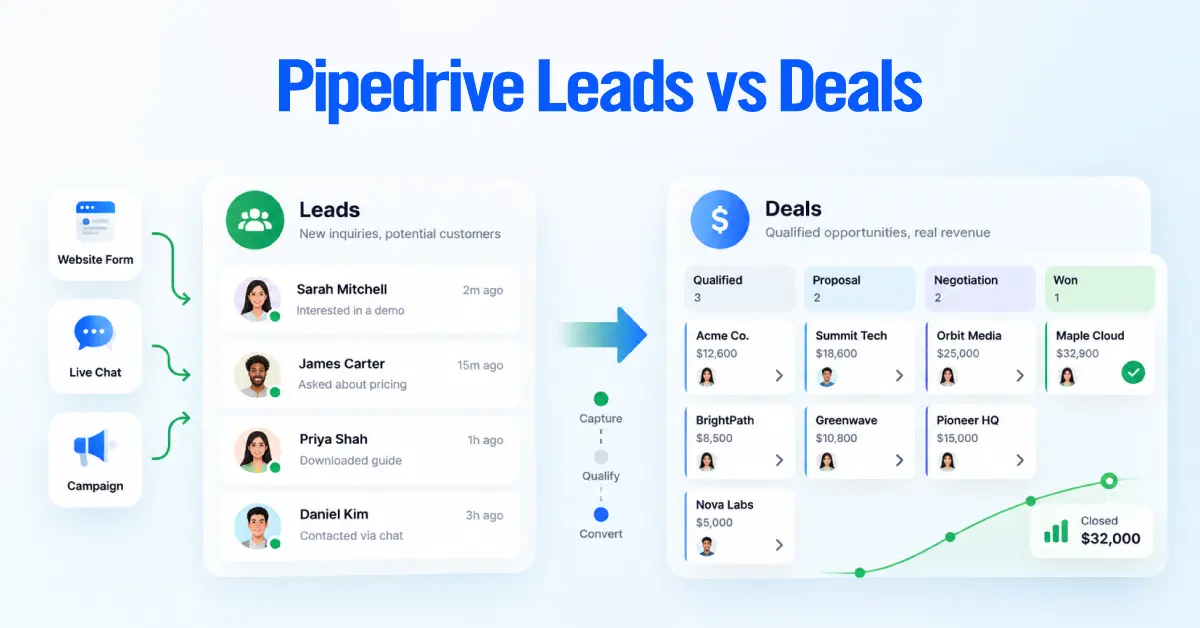
The difference between a Lead and a Deal in Pipedrive comes down to qualification. A Lead is a potential sales
Michelle
Senior Content Writer, CRM & Business Automation
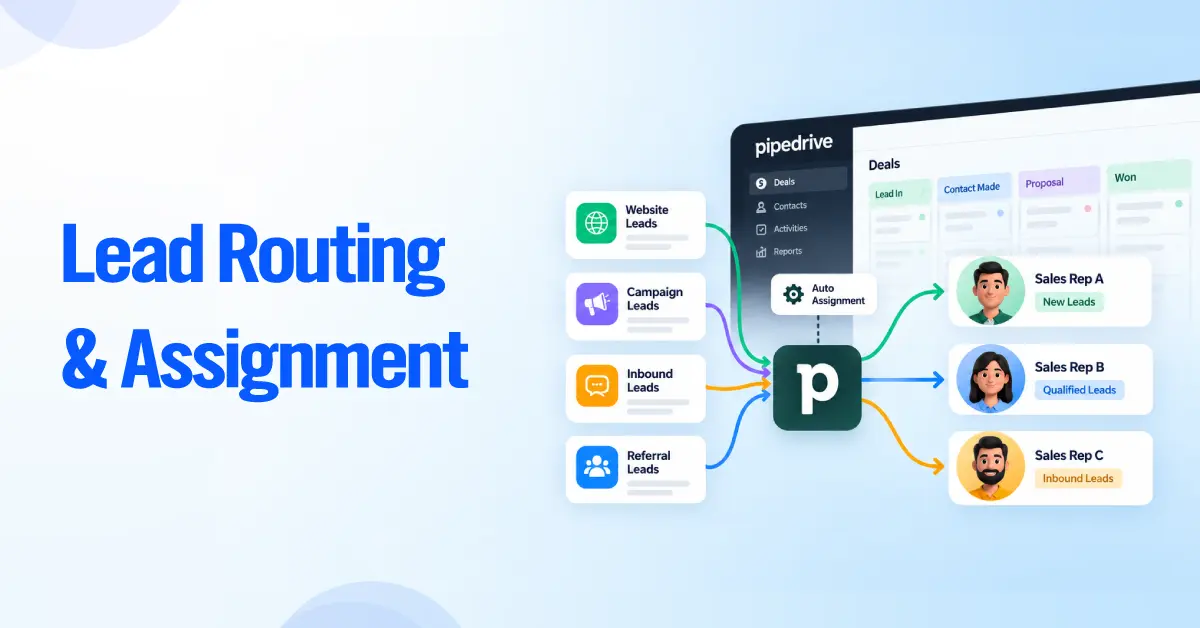
TL;DR Most teams that come to us with a routing problem do not have a rule problem. They have a
Michelle
Senior Content Writer, CRM & Business Automation
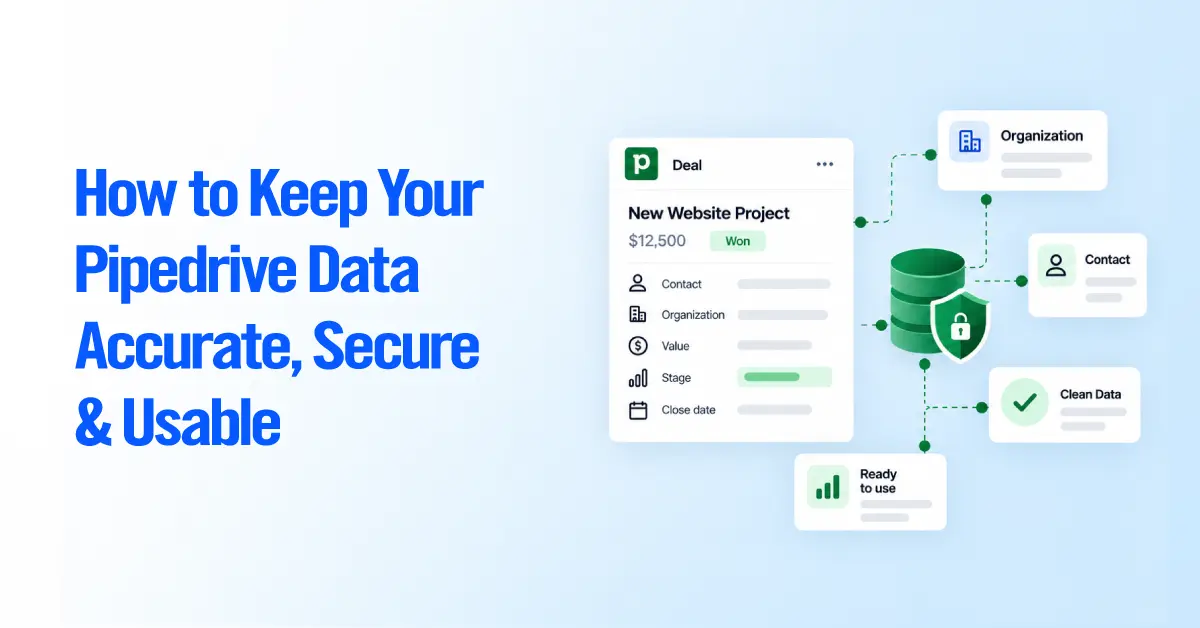
TL;DR Most Pipedrive data problems do not start with bad data. They start with inconsistent decisions about how data gets
Michelle
Senior Content Writer, CRM & Business Automation
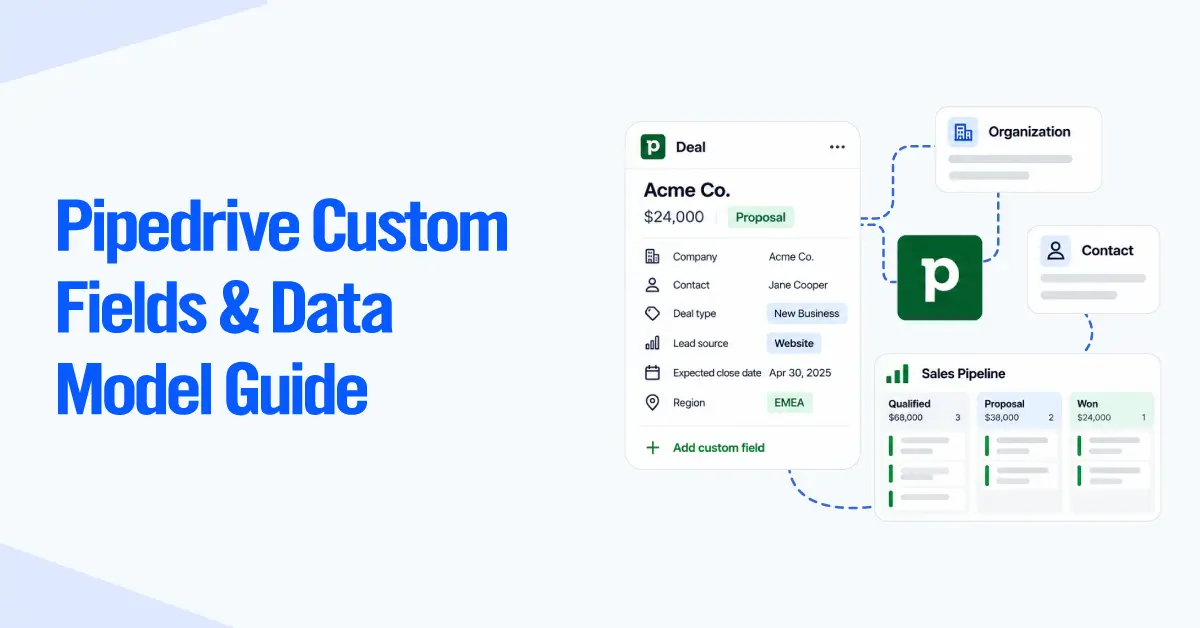
TL;DR You can create hundreds of custom fields per company on Pipedrive. But how many of those fields actually belong
Michelle
Senior Content Writer, CRM & Business Automation
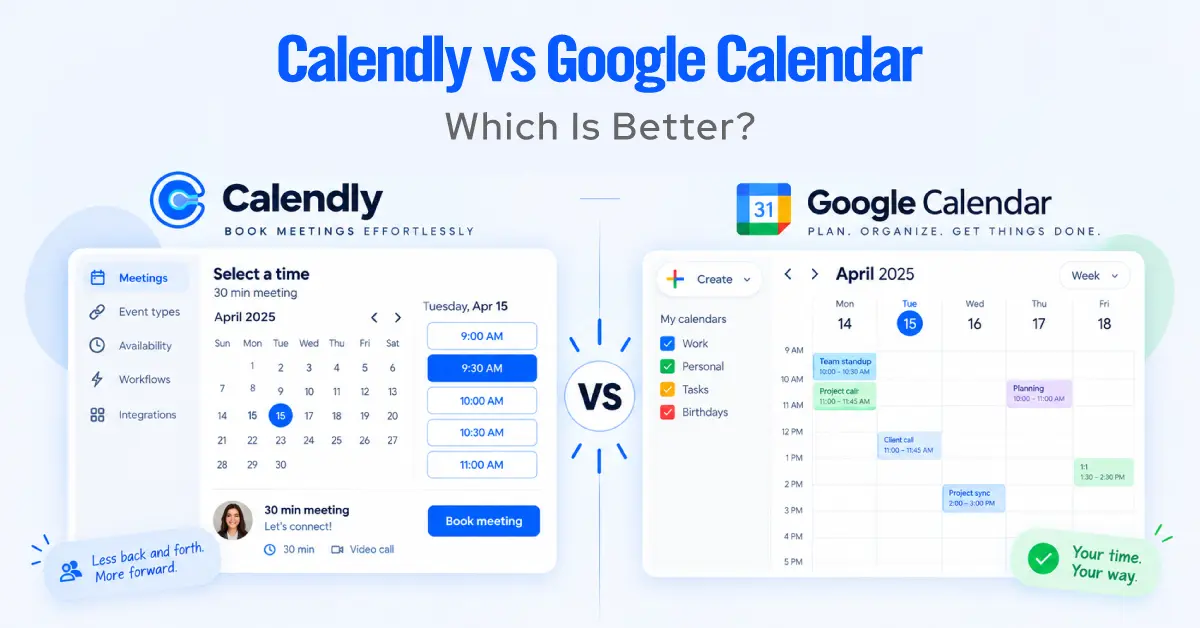
At first glance, Calendly vs Google Calendar looks like an easy comparison. Google Calendar is already on your phone, already
Michelle
Senior Content Writer, CRM & Business Automation
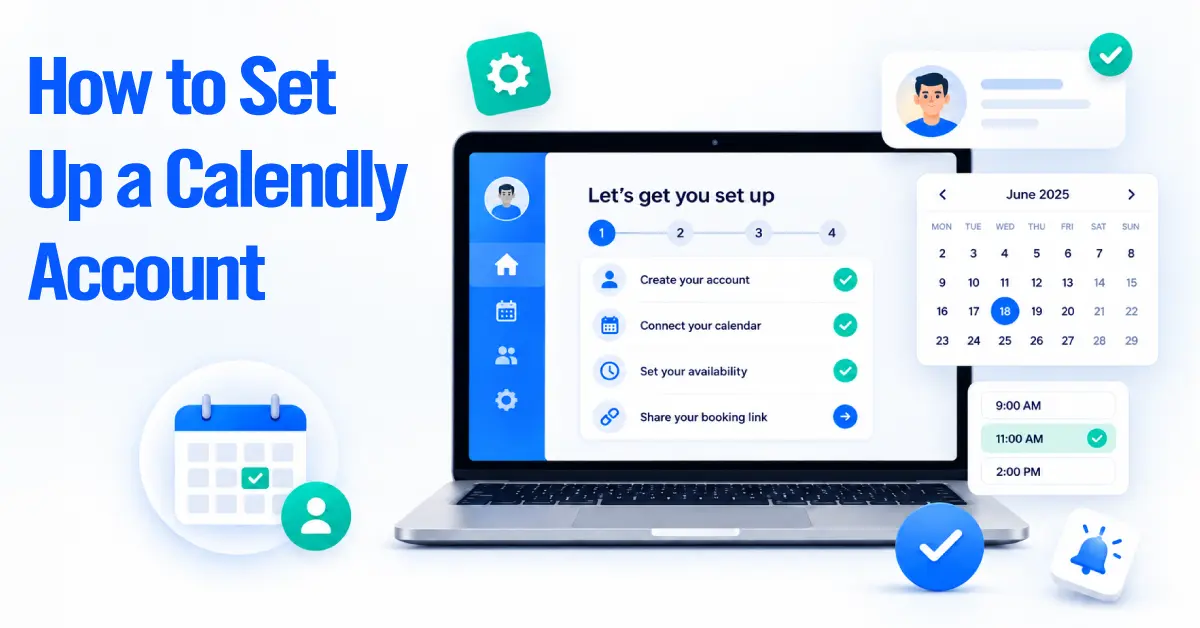
TL;DR Calendly makes scheduling fast to switch on, but a quick setup is not always a good setup. Double bookings,
Michelle
Senior Content Writer, CRM & Business Automation
Find answers to common questions about Talkdesk setup, call routing, CRM integrations, contact center workflows, automation, reporting, and ongoing support to understand how Talkdesk fits into your sales, service, and customer experience operations.
A Talkdesk consultant designs your routing and IVR, builds the Studio flows, configures the CRM and helpdesk integrations, sets up reporting, and trains your team. The platform is broad. The job is making a few hundred configuration decisions add up to a contact center that hits its SLAs.
Through the Salesforce connector: screen pop and case pop on inbound, click-to-dial from any record, automatic call logging with recording link and disposition, and activity write-back. The configuration that matters is the edge cases transfers, conferences, and callbacks, where logging tends to drop records. Full detail in our Talkdesk Salesforce integration guide.
Yes, and it's usually the fastest win in the build. Calls log to the deal rather than a floating activity, click-to-dial works from the deal record, and outcomes update the pipeline stage. See our Talkdesk Pipedrive integration work.
A standard implementation runs 4 to 8 weeks depending on team size, queue count, and integration depth. Migrations from legacy systems sit at the longer end because of number porting and parallel-run testing.
Yes. We handle number porting, rebuild routing and IVR logic in Studio, map historical metrics so reporting stays comparable across the cutover, and move agents over in groups rather than all at once. Rollback plan defined before we start.
Talkdesk fits teams running a real contact center operation usually 10+ agents with queues, SLAs, and supervisors. With a handful of reps taking calls, Aircall or JustCall is the better buy. At the enterprise end, with heavy outbound and compliance requirements, Five9 is often the better fit. We implement all of them, so we'll tell you which one you actually need before you buy seats.
Probably, yes. Talkdesk is priced and built for contact center operations. Under roughly 10 agents we usually point teams at Aircall or JustCall, and revisit Talkdesk when queue complexity, SLA reporting, or workforce management becomes a genuine need rather than a nice idea.
Talkdesk sells tiered per-seat editions, with AI features and workforce management on the higher tiers. We scope the edition during discovery based on which features your operation will actually use rather than which ones demo well.
Zendesk, Slack, Microsoft Teams, and dozens more through the AppConnect marketplace, plus API and Zapier options for the long tail. Integration depth varies a lot by connector, which is exactly why configuration matters more than the connector list.
Set the baseline first: abandonment rate, average handle time, SLA attainment, and first-contact resolution are the standard four. We build the dashboards during implementation so improvement is measured against real pre-launch numbers instead of remembered ones.
Our clients don’t just see improvements; they experience transformation. From reducing manual work by 80% to doubling revenue velocity, the impact is tangible and lasting.
First 12 Months
Per Team / Month
Sales Velocity
Real-time Reporting