AI Summary





Choosing between Pipedrive and Salesforce for a small business or startup is one of the most common CRM decisions teams face in 2026. Both are well-established platforms with strong reviews. But they are built for very different stages of growth, different budgets, and different levels of operational complexity.
This article compares Pipedrive CRM and Salesforce side by side across pricing, features, AI capabilities, ease of use, and scalability so you can make a clear, informed decision without wading through a sales pitch.
For most small businesses and startups, Pipedrive is the better choice in 2026. It costs significantly less, sets up in days rather than weeks, and requires no dedicated admin or implementation partner. Salesforce becomes the right call when your team scales past 50 sales reps, operates across multiple departments, or needs enterprise-grade compliance and deep customization.
Key Takeaways
- Pipedrive is the better CRM for most small businesses and startups in 2026. It is faster to set up, significantly cheaper, and requires no technical admin.
- Salesforce is the right platform for mid-market and enterprise teams that can invest in implementation, have dedicated CRM resources, and need cross-department functionality.
- Pipedrive pricing (annual billing): Lite $14, Growth $24, Premium $49, Ultimate $69 per user/month. Most teams need Growth at a minimum because Lite lacks email sync and automation.
- Salesforce pricing: Starter $25, Pro Suite $100, Enterprise $175/user/month (annual). Most growing sales teams land on Enterprise. Prices increased ~6% on Enterprise and Unlimited in August 2025.
- Pipedrive’s scalability has real limits. Automation ceilings (50/Growth, 150/Premium) and limited reporting depth will constrain teams as they grow beyond 50 users or develop complex multi-department workflows.
- The Pipedrive + Salesforce integration is a viable hybrid strategy for companies where sales teams need simplicity and leadership needs enterprise analytics.
Pipedrive vs Salesforce at a Glance
| Feature | Pipedrive | Salesforce |
| Starting price | $14/user/month (Lite, annual billing) | $25/user/month (Starter Suite) |
| Most-used plan | Growth — $24/user/month | Enterprise — $175/user/month |
| Free trial | 14 days, no credit card required | 30 days + limited Free Suite (2 users) |
| Setup time | 1–3 days | 4–8 weeks |
| Ease of use (G2) | 8.9/10 | 8.2/10 |
| Best for | Small businesses and startups (1–50 people) | Mid-market and enterprise teams |
| AI features | AI Sales Assistant — all paid plans | Einstein AI + Agentforce — Enterprise+ |
| Integrations | 500+ native integrations | 7,000+ apps on AppExchange |
| Support | Live chat on Growth+ | 24/7 support costs +30% of the license fee |
| G2 rating (2026) | 4.3/5 (2,900+ reviews) | 4.4/5 (25,700+ reviews) |
Pipedrive pricing verified June 2026. Salesforce pricing verified June 2026.
What Does a Small Business Actually Need from a CRM?
Every startup or small-business team faces the same pressures: a limited budget, a small sales team, and the need to start closing deals immediately. A CRM helps by centralizing lead and customer data, automating repetitive tasks, and improving pipeline visibility across the team.
Startups and small businesses typically need:
- Simple, visual pipeline management that any rep can use on day one
- Sales automation to handle follow-ups, reminders, and deal routing
- Email sync and activity tracking without complex configuration
- Affordable, transparent pricing with no surprise add-on costs
- Fast onboarding
The CRM market is expected to reach $126.2 billion in 2026, growing at a 12.4% annual rate (Fortune Business Insights). Despite this growth, the tools best suited to enterprise sales teams are not automatically the right fit for a 10-person startup. Complexity that helps a Fortune 500 company coordinate 500 reps becomes pure friction for a founder managing 30 deals.
What Is Pipedrive CRM?
Pipedrive is a sales-focused CRM built for small businesses and startups. Pipedrive CRM is defined by its visual pipeline, fast setup, and focus on helping small sales teams manage deals without the overhead of an enterprise platform.
Key Features of Pipedrive
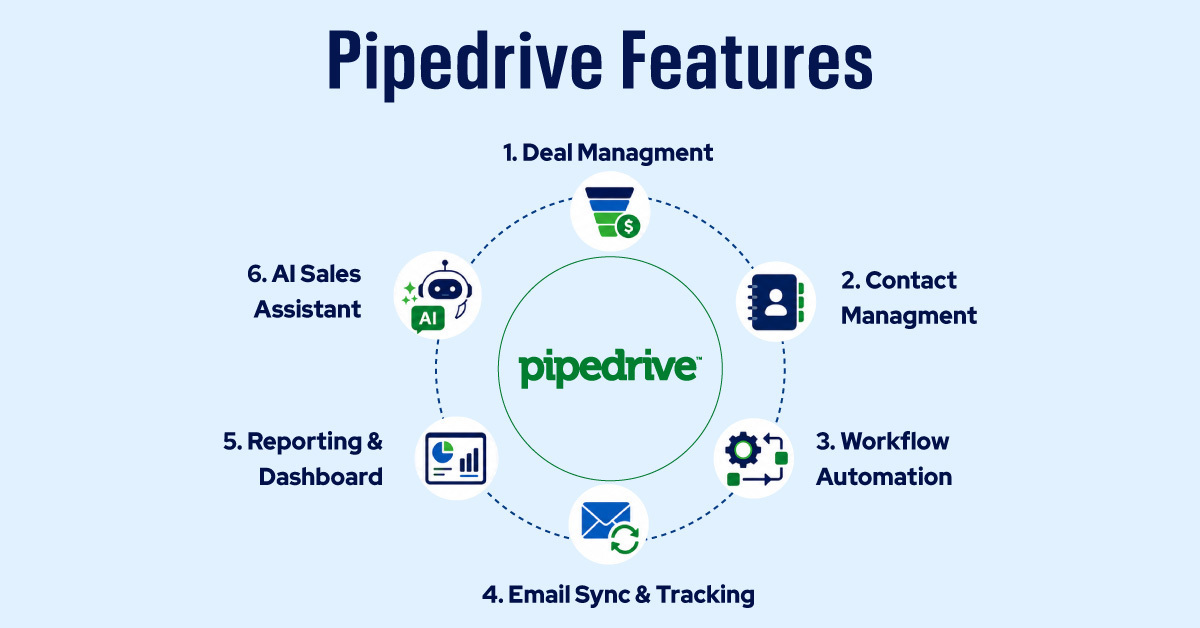
Visual pipeline management. Pipedrive’s drag-and-drop Kanban board lets reps move deals through custom stages in seconds. Deal Rotting flags opportunities that have gone stale, visually marking deals that haven’t been updated within a defined window a practical safeguard against lost revenue.
Sales automation. Pipedrive’s automation builder handles recurring tasks such as creating follow-up activities, sending emails, updating deal fields, and routing leads. Automation is available from the Growth plan onward, with limits that scale by tier (50 automations on Growth, 150 on Premium, 250 on Ultimate).
AI Sales Assistant. Included on all paid plans, Pipedrive’s AI Sales Assistant surfaces deal win-probability scores, recommended next actions, and performance patterns across your pipeline. Higher-tier plans (Premium and Ultimate) also include an AI email writer and AI-powered report generation using natural language prompts. No configuration is required; the AI works off your existing pipeline data from day one.
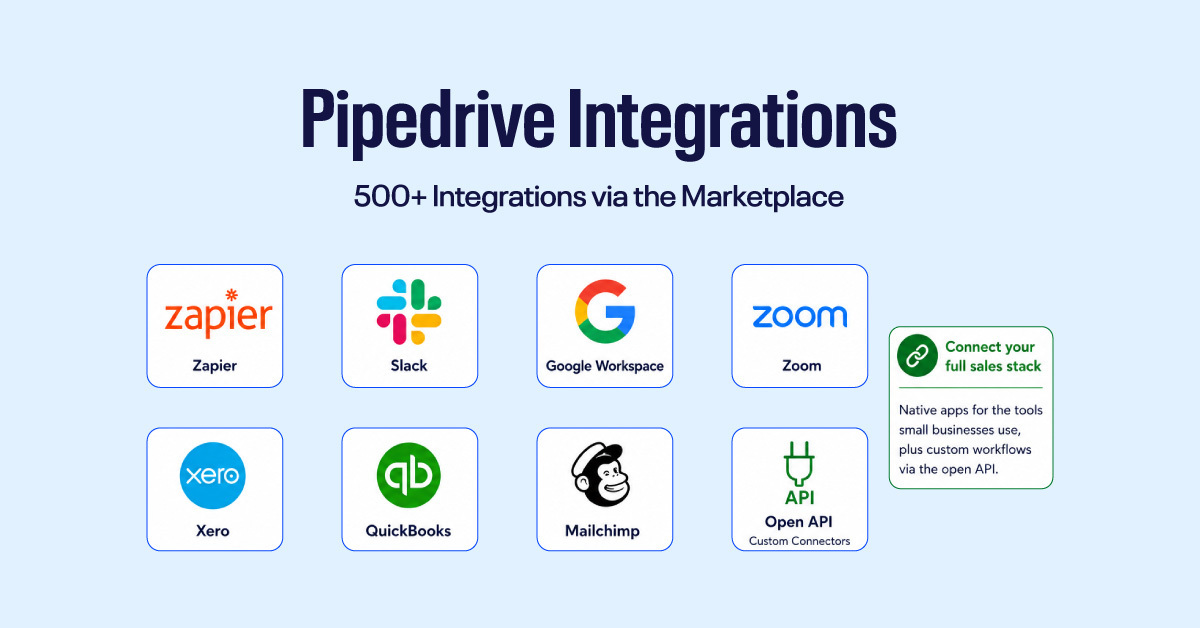
Integrations. Pipedrive integrates with 500+ tools, including Slack, Mailchimp, Zapier, Make, and Google Workspace, and offers native iOS and Android apps. For teams running a standard SMB sales stack, the integration library covers virtually everything they need.
Data enrichment. Smart Contact Data automatically populates records with publicly available company and contact information. In our testing across live accounts, this feature populated records successfully roughly 70% of the time.
Pipedrive Pricing (2026)
Pipedrive’s four paid plans, billed per user per month:
| Plan | Annual price | Monthly price |
| Lite | $14/user/month | $19/user/month |
| Growth | $24/user/month | $34/user/month |
| Premium | $49/user/month | $64/user/month |
| Ultimate | $69/user/month | $89/user/month |
Source: Pipedrive official pricing, verified June 2026.
Note: Pipedrive rebranded its plan names in late 2025: Essential → Lite, Advanced → Growth, Professional → Premium, Enterprise → Ultimate. If you’re searching using old plan names, the features map directly to the new tiers.
Which plan do most small teams need? Growth at $34/user/month is the practical entry point for an active sales team. The Lite plan lacks email sync and automation. Annual billing saves up to 42% compared to monthly billing.
Watch the add-on costs. A 5-seat Growth team with LeadBooster ($32.50/month) and Campaigns ($13.33/month) runs approximately $270/month. Premium at $49/user/month bundles LeadBooster and Smart Docs, making it only $25/month more for a 5-person team than Growth with those add-ons purchased separately.
What Is Salesforce CRM?
Salesforce is the world’s largest CRM platform, holding approximately 20.7% of the global CRM market as of 2024 (IDC). Salesforce Sales Cloud is defined as an enterprise-grade CRM platform built for organizations that need deep customization, advanced AI, and a unified system spanning sales, service, and marketing. It serves over 150,000 customers globally, from fast-growing Series B startups to Fortune 500 enterprises.
Key Features of Salesforce
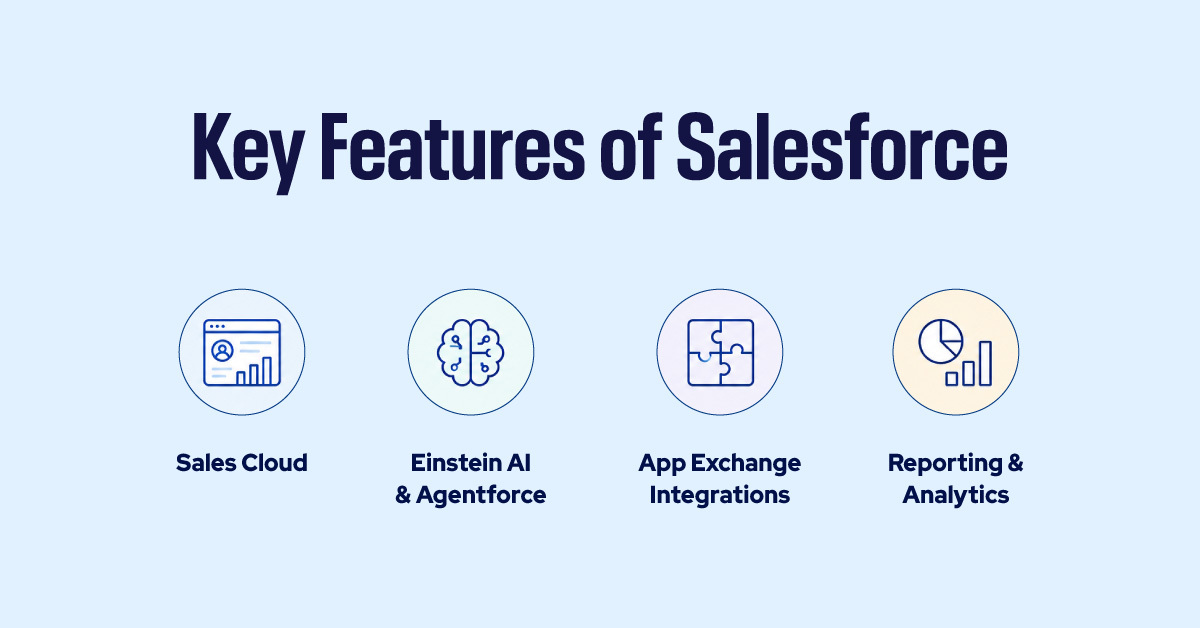
Sales Cloud. The core CRM layer covers lead management, contact records, opportunity tracking, pipeline visibility, and revenue forecasting. Every other Salesforce capability builds on top of this foundation.
Einstein AI and Agentforce. Salesforce’s AI tools handle predictive lead scoring, deal insights, next-best-action recommendations, and autonomous AI agents that can execute tasks without human input.
Einstein AI and Agentforce are Salesforce’s AI tools, but they are most useful on higher-tier plans, such as Enterprise. They also work best when a company already has enough sales data, so early-stage startups may not see strong results right away.
AppExchange integrations. With 7,000+ apps and certified implementation partners, Salesforce’s ecosystem is unmatched in depth. Combined with Flow Builder for no-code automation and full API access on Enterprise and above, the platform can connect to virtually any business tool.
Reporting and analytics. Multi-object reports, collaborative forecasting, and AI-generated insights are significantly more advanced than those in Pipedrive. Useful at scale but complex to build and typically requiring a dedicated admin to maintain.
Salesforce Pricing (2026)
| Plan | Price | Key note |
| Starter Suite | $25/user/month | Monthly or annual, basic CRM tools |
| Pro Suite | $100/user/month | Annual only; sales automation + forecasting |
| Enterprise | $175/user/month | Annual only; full API, Agentforce, pipeline tools |
| Unlimited | $350/user/month | Annual only; includes Premier Support |
| Agentforce 1 Sales | $550/user/month | Annual only; full AI agents + everything above |
For most small businesses, the Starter Suite at $25/user/month is too limited for an active sales operation. Teams that need automation and forecasting are quickly pushed to Pro Suite at $100/user/month.
Most growing sales teams that commit to Salesforce end up on Enterprise at $175/user/month, a meaningful cost commitment before implementation, support, and add-ons are factored in.
Pipedrive vs Salesforce: 8 Key Differences
1. Ease of Use
Pipedrive scores 8.9/10 on G2 for ease of use; Salesforce scores 8.2/10. The real-world gap is wider than those numbers suggest. Most Pipedrive users are productive within a day without formal training. Salesforce deployments typically require a dedicated admin, an implementation partner, or both.
Best fit: Pipedrive for speed and simplicity. Salesforce for teams with dedicated CRM resources.
2. Pricing and Total Cost of Ownership
A 5-person team on Pipedrive Growth costs $120/month. The same team on Salesforce Pro Suite costs $500/month, a difference of over $4,560/year before implementation, support plans, or add-ons. Salesforce’s 6% price increase on Enterprise and Unlimited in August 2025 widened this gap further.
Best fit: Pipedrive for lower total cost. Salesforce for teams with a substantial CRM budget.
3. Sales Pipeline Management
Pipedrive’s pipeline is visual, immediate, and built for everyday deal tracking. Salesforce offers deeper pipeline control and forecasting, but it requires configuration to achieve the same level of clarity.
Best fit: Pipedrive for daily pipeline visibility. Salesforce for advanced sales operations with complex multi-stage processes.
4. AI Features
Pipedrive’s AI Sales Assistant works out of the box on every paid plan. Features like deal win probability, next-action recommendations, and email assistance require no setup. Salesforce’s Einstein AI and Agentforce are more powerful but require the Enterprise tier and sufficient historical data to produce reliable results.
Best fit: Pipedrive for practical AI without configuration. Salesforce for enterprise AI at scale.
5. Integrations and Ecosystem
Pipedrive covers the tools most small sales teams use: Slack, Google Workspace, Zapier, Make, Mailchimp, and 500+ others. Salesforce’s AppExchange offers 7,000+ apps and a global ecosystem of certified partners.
Best fit: Pipedrive for standard SMB sales stacks. Salesforce for large enterprise ecosystems.
6. Pipedrive Scalability vs Salesforce
Pipedrive scales well for teams of 1–50 people running a focused sales operation. Its automation limits (50 on Growth, 150 on Premium) and reporting ceilings mean teams with complex multi-department workflows will eventually feel constrained.
Salesforce is architected for growth without a ceiling. It is the right long-term platform for organizations that need cross-department coordination, advanced compliance, and custom object management.
Best fit: Pipedrive for early-stage and mid-growth teams. Salesforce for organizations scaling beyond 50 reps or operating across multiple business units.
7. Support
Pipedrive includes live chat support on Growth (business hours), Premium, and Ultimate (24/7). Salesforce’s 24/7 support requires the Premier Success Plan, priced at 30% of net license fees, in addition to your subscription.
Best fit: Pipedrive for its included small-business support. Salesforce for organizations willing to pay for premium support tiers.
8. Reporting and Analytics
Pipedrive keeps reporting simple and sales-focused. Its visual dashboards, easy reports, revenue forecasts, and pipeline insights are ready to use without much setup. For small teams, that means managers can quickly see deal progress, activity levels, and sales performance without needing a CRM admin.
Salesforce offers much deeper reporting. Teams can build advanced custom reports, cross-department dashboards, and analytics across sales, marketing, service, and operations. The tradeoff is complexity: Salesforce reporting is more powerful, but it usually takes more setup and ongoing management.
Best fit: Salesforce for complex, cross-departmental reporting. Pipedrive for fast, practical sales insights.
Salesforce vs Pipedrive for Startups: Which One Wins?
For most early-stage startups, Pipedrive is the better choice. Here is why:
- Faster time to value. Pipedrive can be set up in 1–3 days. A basic pipeline, email sync, and automation can be running in a few hours. Salesforce deployments take 4–8 weeks for small businesses and 3–6 months for full implementations with custom objects and multiple team integrations. Those weeks matter when you are trying to close your first 100 customers.
- Lower cost. A 5-person team on Pipedrive Growth ($24/user/month, annual) costs $120/month. The same team on Salesforce Pro Suite ($100/user/month) costs $500/month — a gap of over $4,560/year before consulting, support, and add-on costs. For a startup watching burn rate, this difference is material.
- No consultant required. Pipedrive is self-serve. Founders and sales reps can configure it without a certified admin or external partner. Salesforce typically requires an implementation partner to configure correctly, adding cost, timeline, and ongoing dependency.
Salesforce becomes the right investment at Series B and beyond, when a startup has 50+ sales reps, multi-product complexity, specific compliance requirements, or departments that need to share a unified system of record.
Choose Pipedrive If… vs Choose Salesforce If…
| Choose Pipedrive If… | Choose Salesforce If… |
| You are a startup or small business with 1–50 people | You are scaling past 100 sales reps |
| You need a CRM running within days | You can invest weeks in setup and customization |
| Your budget is under $50/user/month | You have a budget for licenses + implementation + support |
| Your goal is to close deals and manage the pipeline clearly | You need sales, marketing, and service in one platform |
| You want simple, transparent pricing | You need enterprise-grade AI and customization |
| You want included support without extra cost | You have a dedicated CRM admin or consulting partner |
Pipedrive and Salesforce Integration: When You Need Both
As companies grow, a common scenario emerges: the sales team prefers Pipedrive’s simplicity for daily deal work, while leadership and marketing need Salesforce’s deeper reporting and enterprise features.
By connecting both platforms, businesses can create a hybrid setup: Pipedrive handles day-to-day sales execution, and Salesforce provides enterprise-level analytics and cross-team visibility.
How to connect Pipedrive and Salesforce:
- Using Zapier or Make: Create no-code automation workflows between the two platforms. For example, when a new deal is won in Pipedrive, automatically create or update an opportunity in Salesforce. This works well for straightforward data-sync needs.
- Using a native or advanced connector: Tools like Skyvia offer bidirectional sync between Pipedrive and Salesforce with field mapping, deduplication, and data transformation, no coding required. Better suited for teams running both platforms long-term rather than during a migration.
The right approach depends on data volume, workflow complexity, and which platform serves as the primary system of record.
Common Concerns About Pipedrive
While Pipedrive is a strong choice for startups and small businesses, there are a few areas where it may feel limited as companies grow.
Limited Advanced Reporting
Pipedrive’s reports are simple and easy to use, which works well for small sales teams. However, larger teams that need detailed analytics, custom dashboards, or cross-department reporting may need Salesforce or another reporting tool.
Integration Learning Curve
Pipedrive connects with many popular tools, including Zapier, Slack, Google Workspace, and other sales apps. Basic integrations are usually simple, but advanced syncing between Pipedrive and Salesforce may require technical setup, field mapping, or outside help.
No Enterprise-Level Features
Pipedrive is built for sales teams that want simplicity. That is its strength, but it also means it does not offer the same level of enterprise features as Salesforce.
For larger companies that need advanced AI, service tools, marketing automation, compliance controls, or complex workflows, Salesforce may be a better long-term fit.
Is Pipedrive Good for B2B Sales?
Yes. Pipedrive was designed specifically for deal-based, relationship-led selling, which is the structure of most B2B sales cycles.
Its visual pipeline maps directly to a typical B2B sales process: initial contact → qualification → proposal → negotiation → close. Features like activity tracking, Deal Rotting alerts, email integration, and AI-assisted deal scoring make it straightforward for B2B teams to manage longer cycles and multiple stakeholders without enterprise-level overhead.
For SaaS companies, agencies, professional services firms, and other B2B businesses focused on closing deals, Pipedrive provides the tools most teams need without the complexity of a platform built for organizations ten times their size.
Conclusion
Pipedrive and Salesforce are both strong CRM platforms, they are just built for different stages of growth and different organizational complexity.
For startups and small businesses comparing Pipedrive vs Salesforce in 2026, the choice is usually clear: Pipedrive wins on speed, cost, and simplicity for teams under 50 people. Salesforce wins when operational complexity, scale, and cross-department coordination justify the investment.
Start with Pipedrive, close more deals, and revisit the decision when your team and processes genuinely outgrow it.
Not sure which CRM fits your business? Talk to our experts for free, we will help you make the right call without the sales pitch.
FAQs About Pipedrive vs Salesforce
Is Pipedrive better than Salesforce for a small business?
Yes, for most small businesses, Pipedrive is the better choice. It is faster to set up, significantly cheaper, and requires no dedicated admin to run. Salesforce is a more powerful platform, but its complexity and cost make it hard to justify for teams under 50 people. If your primary goal is closing deals without a long implementation or a high monthly bill, Pipedrive is the stronger fit.
How much does Pipedrive cost compared to Salesforce in 2026?
Pipedrive starts at $14/user/month (annual) on the Lite plan, with the most popular Growth plan at $24/user/month (annual) or $34/user/month (monthly). Salesforce starts free (Free Suite, 2 users), with paid plans from $25/user/month on the Starter Suite, rising to $100/user/month on the Pro Suite and $175/user/month on the Enterprise Suite.
Which CRM is easier to use, Pipedrive or Salesforce?
Pipedrive is easier to use. It scores 8.9/10 on G2 for ease of use, compared to Salesforce’s 8.2/10. Most Pipedrive users are up and running within a day without training. Salesforce has a steeper learning curve and typically requires a certified admin or implementation partner to configure correctly, adding time and cost before your team closes a single deal.
Can you integrate Pipedrive with Salesforce?
Yes. There is no native direct integration, but you can connect the two using automation tools like Zapier. Tools like Skyvia also offer bi-directional data sync between Pipedrive and Salesforce including filtering, transformations, and duplicate prevention without any coding required. This is most commonly used by teams migrating between the two platforms or running both temporarily during a transition period.
Does Salesforce have a free plan?
Yes. Salesforce offers a Free Suite plan at no cost, supporting 2 users. It includes lead, contact, account, and opportunity tracking, basic service tools, simple email marketing, and Slack integration with no credit card required and no contract.
However, the free tier has significant limitations, including a 100-email-per-month cap and no advanced analytics. Most growing sales teams will need the Starter Suite ($25/user/month) or Pro Suite ($100/user/month) fairly quickly.
Is Pipedrive good for B2B sales?
Yes, Pipedrive is purpose-built for B2B sales. Its visual pipeline, deal-stage tracking, Deal Rotting alerts, activity reminders, and email integration are all designed around how B2B sales cycles work. The AI Sales Assistant surfaces deal prioritization and next-action recommendations throughout the process. It works particularly well for B2B teams with defined sales stages, multiple concurrent deals, and a relationship-led selling approach.
What is the main difference between Pipedrive and Salesforce?
The core difference is scope. Pipedrive is a focused sales CRM. It handles pipeline management, automation, and reporting well, with minimal setup and a low learning curve. Salesforce is an enterprise platform spanning sales, marketing, service, and analytics, with deep customization and a 7,000+ app ecosystem